














Modern businesses rely on more than just processing transactions to run efficiently. As operations become more complex, systems need to work together rather than operate in isolation. This shift has made integration a key part of managing sales, data, and daily workflows.
POS integration plays an important role in connecting front end transactions with back-end systems. By linking different tools into an integrated system for retailers, businesses can reduce manual work, improve accuracy, and gain better visibility across operations.
Key Takeaways
Modern POS integration connects sales, inventory, and business tools into a single workflow for better efficiency.
Automating processes and enabling real-time data access improves operational efficiency and reduces manual errors.
From retail to service industries, POS integration supports seamless operations and better customer experiences.
Evaluating systems, defining workflows, and training staff ensures successful POS integration and long-term performance.
Common POS Integration Examples
POS integration can be applied across different systems depending on business needs. Each integration serves a specific purpose, from improving customer insights to ensuring financial accuracy and operational efficiency.
Understanding these common examples helps businesses identify which integrations are most relevant to their workflows and long-term goals.
- CRM Integration for Customer Insights
Integrating POS with CRM systems allows businesses to capture customer data from every transaction, including purchase history and preferences. This helps personalise marketing efforts and improve long-term customer engagement. - Ecommerce Integration for Omnichannel Sales
POS integration with ecommerce platforms enables businesses to manage online and offline sales in one system. This ensures inventory and sales data remain consistent across all channels. - Accounting Integration for Financial Accuracy
Connecting POS with accounting software allows financial data to sync automatically. This reduces manual work, improves reporting accuracy, and supports compliance requirements. - Inventory Integration for Stock Control
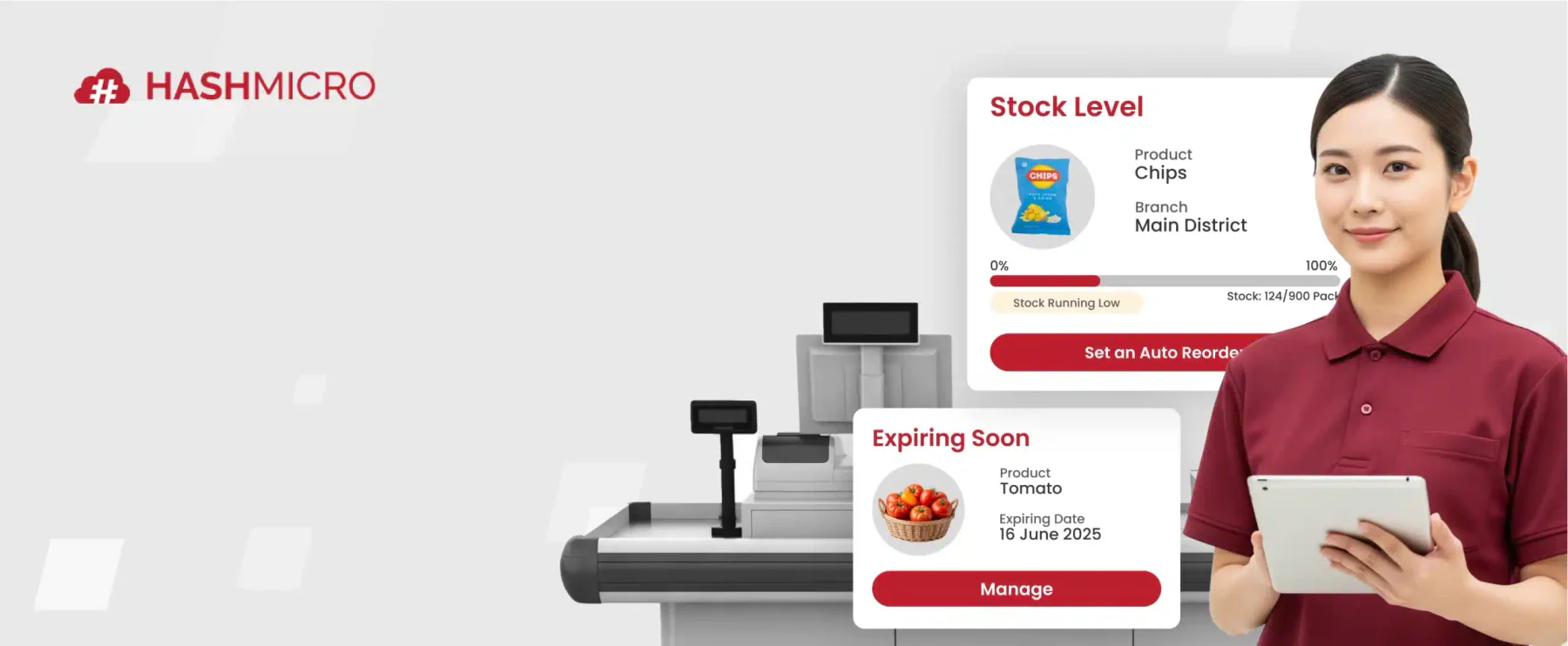
Inventory integration updates stock levels in real time as transactions occur. This helps maintain accurate inventory data and supports better planning and replenishment. - ERP Integration for Business-Wide Visibility
Integrating POS with ERP systems connects multiple business functions into one platform. This improves coordination across departments and provides a complete view of operations. - Payment Integration for Seamless Transactions
Payment integration allows POS systems to connect with gateways and processors. This supports multiple payment methods while ensuring secure and efficient transactions.
Industry Use Cases of POS Integration
POS integration is used across different industries to support specific operational needs. While the core concept remains the same, how it is applied can vary depending on business models and customer expectations.
Understanding these use cases helps businesses see how integration can improve efficiency, service delivery, and overall performance in real-world scenarios.
Retail and Omnichannel Operations
In retail, POS integration connects in-store and online sales into a single system. This allows businesses to manage inventory, orders, and customer data consistently across multiple channels using a cohesive software for your grocery store.
By synchronising data in real time, retailers can prevent stock discrepancies and provide a seamless shopping experience. This is especially important for businesses operating across physical stores and ecommerce platforms.
Hospitality and Food Service
In hospitality, POS integration helps streamline order management and service workflows. Orders placed at the front of house can be sent directly to the kitchen, making it easier to operate as an integrated system for your cafe while reducing manual communication and errors.
It also supports payment processing and inventory tracking in real time. This improves service speed, enhances coordination between staff, and ensures a smoother customer experience.
Service-Based Businesses
For service-based businesses, POS integration helps manage transactions, bookings, and customer information in one system. This is useful for businesses such as salons, repair services, or consulting firms.
By connecting scheduling, payments, and customer data, businesses can operate more efficiently. It also helps improve service delivery and maintain better customer relationships.
Implementing POS Integration Successfully
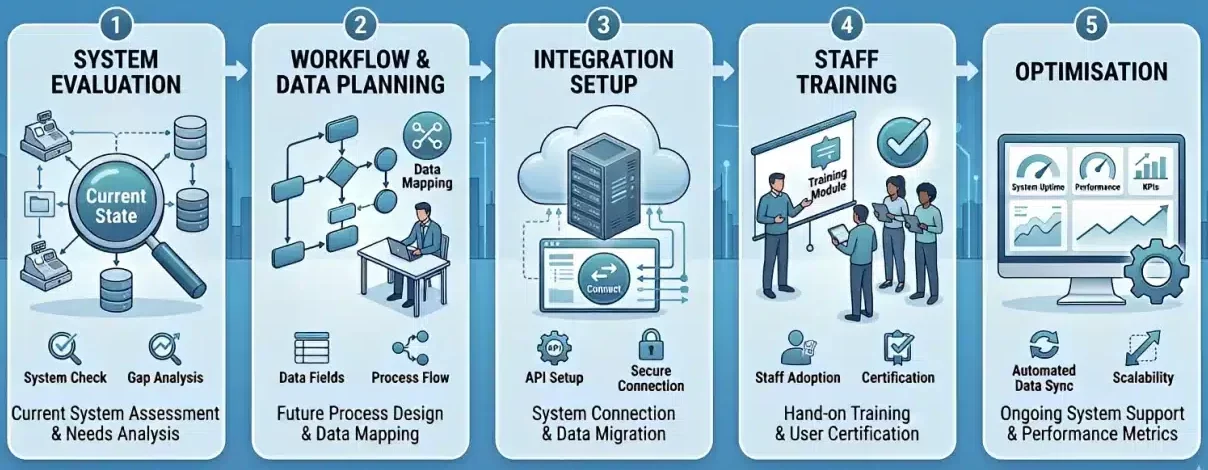
Implementing POS integration requires a structured approach to ensure systems work seamlessly without disrupting daily operations. Without proper planning, integration can lead to data inconsistencies, workflow issues, and adoption challenges.
By following a clear process, businesses can reduce risks and ensure the integration delivers long-term value across operations.
- Evaluating Existing Systems
The first step is reviewing current systems and identifying how they are used in daily operations. This helps determine compatibility, existing gaps, and whether upgrades or replacements are needed before integration. - Defining Data and Workflow Requirements
Businesses need to map how data should move between systems and how workflows will function after integration. Clear requirements ensure that systems support actual operational needs rather than adding unnecessary complexity. - Testing and Deployment Strategy
Before full implementation, systems should be tested in a controlled environment. This helps identify potential issues early and ensures that data flows correctly across all connected platforms. - Staff Training and Adoption
Successful integration depends on how well staff can use the system. Providing proper training and clear guidelines helps teams adapt quickly and ensures the system is used effectively in daily operations.
Common Challenges in POS Integration
While POS integration offers significant benefits, it also comes with practical challenges that businesses need to manage carefully. Without proper planning and system alignment, integration can lead to inefficiencies and data inconsistencies.
Understanding these challenges helps businesses minimise risks and maintain stable operations after implementation.
Poor Data Quality and System Mismatch
Inconsistent or inaccurate data can create issues when systems are connected. If different platforms use incompatible formats or outdated information, errors can occur across inventory, sales, and financial records.
API Limitations and Sync Issues
APIs enable systems to communicate, but not all integrations perform consistently. Limitations in API capabilities or delays in synchronisation can result in incomplete or outdated data.
Integration Complexity and Maintenance
As more systems are connected, integration becomes more complex to manage. Ongoing maintenance is required to ensure stability, prevent disruptions, and keep all systems aligned over time.
Advanced Strategies for POS Integration
Once POS integration is implemented, businesses can move beyond basic connectivity and start using it to drive deeper operational improvements. At this stage, integration is no longer just about syncing data, but about using data to support smarter decisions.
By applying advanced strategies, businesses can maximise the value of their POS system and improve overall performance.
AI and Predictive Analytics
Integrated POS systems generate large volumes of data that can be used to identify patterns and trends. With AI and predictive analytics, businesses can forecast demand, optimise inventory levels, and plan operations more effectively.
These insights help reduce uncertainty and support faster, more informed decision-making. As a result, businesses can improve efficiency while responding better to changing conditions.
Personalised Customer Experiences
POS integration allows businesses to combine customer data from multiple systems into a single view. This enables more personalised interactions based on purchase history, preferences, and behaviour.
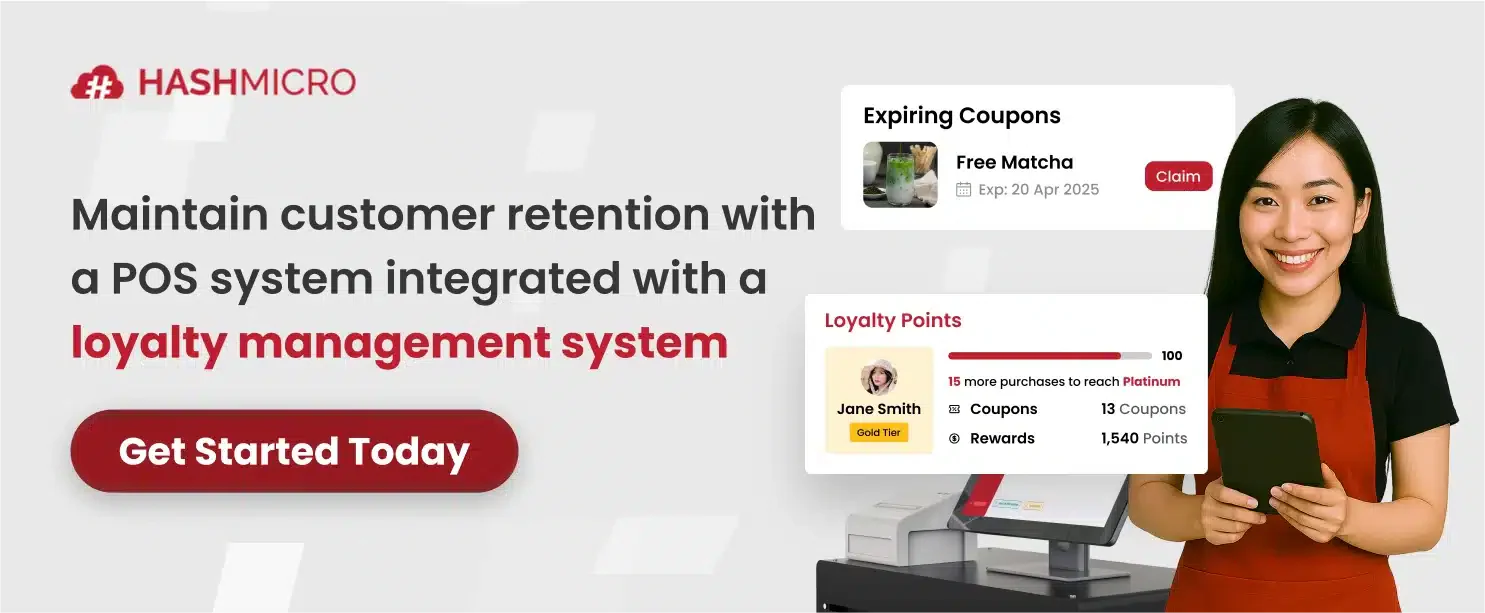
By delivering relevant offers and tailored experiences, businesses can improve customer satisfaction and build long-term loyalty. This also helps increase engagement and repeat purchases over time.
Conclusion
POS integration helps businesses connect systems and streamline operations across different functions. By reducing manual processes, it improves data accuracy and ensures information flows consistently.
A well integrated system also provides real-time visibility into sales, inventory, and customer data. This allows businesses to make faster decisions and respond more effectively to operational changes.
If your organisation wants to improve efficiency and system connectivity, the right solution can make a difference. You can book a consultation with our expert to explore POS integration solutions that support more scalable operations.
Frequently Asked Questions About POS Integration
What is POS integration?
POS integration is the process of connecting a point of sale system with other business applications such as inventory, accounting, and CRM systems to enable real-time data sharing and automation.
Why is POS integration important for businesses?
POS integration helps businesses reduce manual work, improve data accuracy, and streamline operations by ensuring that all systems are connected and updated in real time.
What systems can be integrated with a POS?
Common integrations include inventory management, accounting software, CRM systems, ecommerce platforms, ERP systems, and payment gateways.
What are the benefits of POS integration?
POS integration improves operational efficiency, enhances data accuracy, supports better decision-making, and creates a more seamless customer experience across different sales channels.
What challenges can occur in POS integration?
Common challenges include data inconsistencies, system compatibility issues, API limitations, and the complexity of maintaining multiple system integrations.