













In 2026, the demand for efficient and integrated solutions is rising in the Malaysian facility management sector. As buildings and operations grow more complex, you need digital tools that help you handle tasks more effectively and reduce overhead.
Whether you manage hospitals, commercial spaces, or industrial sites, using the right facility platform can improve control, minimize waste, and enhance service delivery. These systems also support preventive maintenance and better resource planning.
Here’s the hook that usually hits closest to home. One missed routine check can turn into an emergency callout, an angry tenant, or a delayed inspection record right when you need it most. So instead of reading another generic list, you’ll get a clear comparison of 10 tools plus one practical study case that mirrors how facility work actually happens in Malaysia, so you can match software to your workflow with less guesswork.
Key Takeaways
When your buildings get more complex, manual tracking stops working fast. A centralized facility platform helps you keep work orders, assets, vendors, and schedules in one flow.
Preventive maintenance protects your time and budget. If you schedule routine tasks properly, you reduce emergency callouts, avoid repeat issues, and extend asset life.
Asset history turns guessing into faster decisions. When you can pull service records instantly, you spot recurring failures earlier and plan repairs or replacements with better confidence.
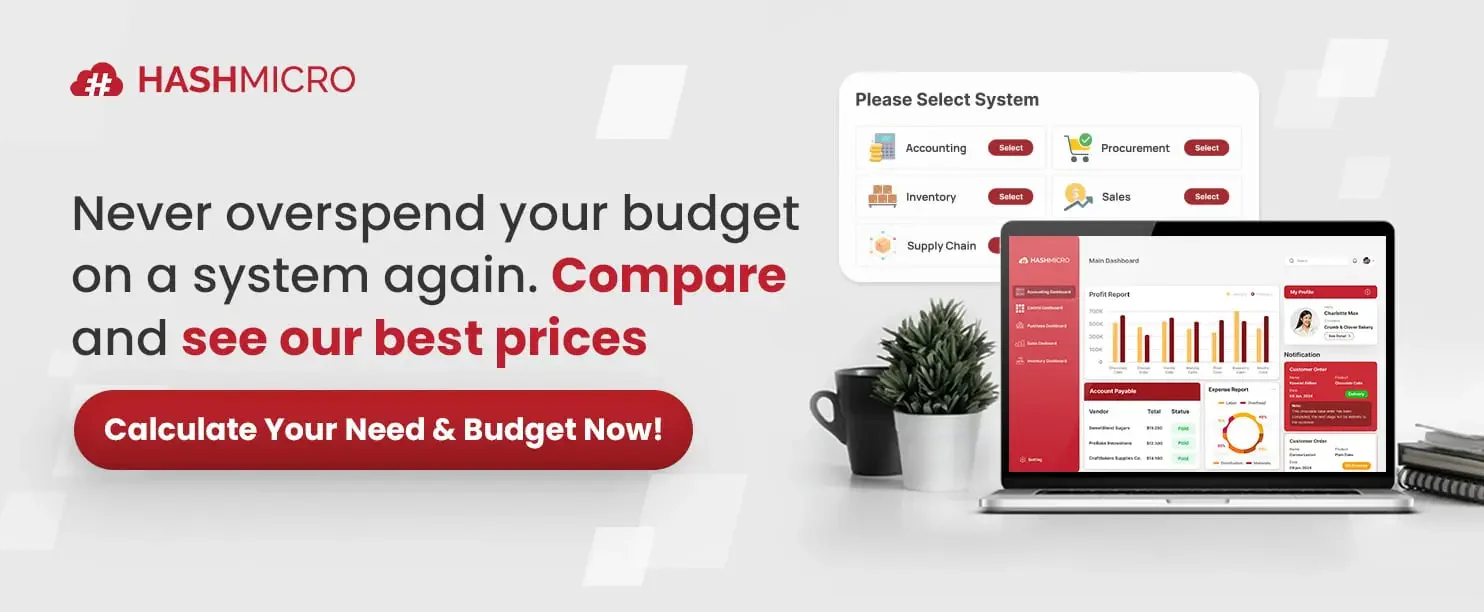
If you want to check whether it fits your workflow, you can review the pricing details and see what’s included in each plan, then compare it with your maintenance, scheduling, and day to day operational needs across sites.
2. SafetyCulture Software for Facility Management
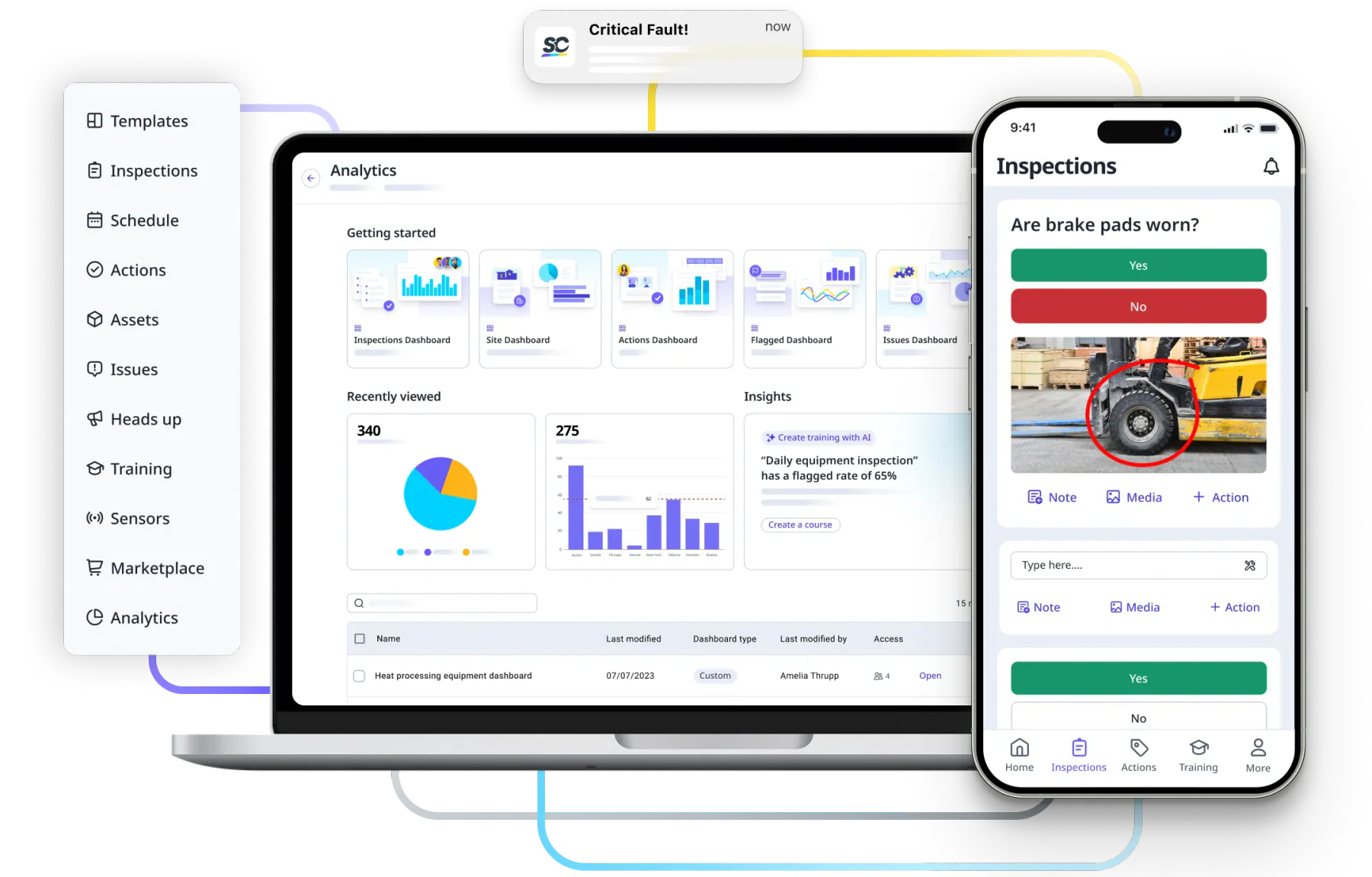
SafetyCulture fits you if your priority is safety audits and inspection consistency. It helps you standardize checklists and incident reporting, so your documentation stays clear across teams and shifts.
Key features:
- Safety audit automation
- Incident reporting tools
|
Pros |
Cons |
|
|
3. ArcGIS Facility Management Software
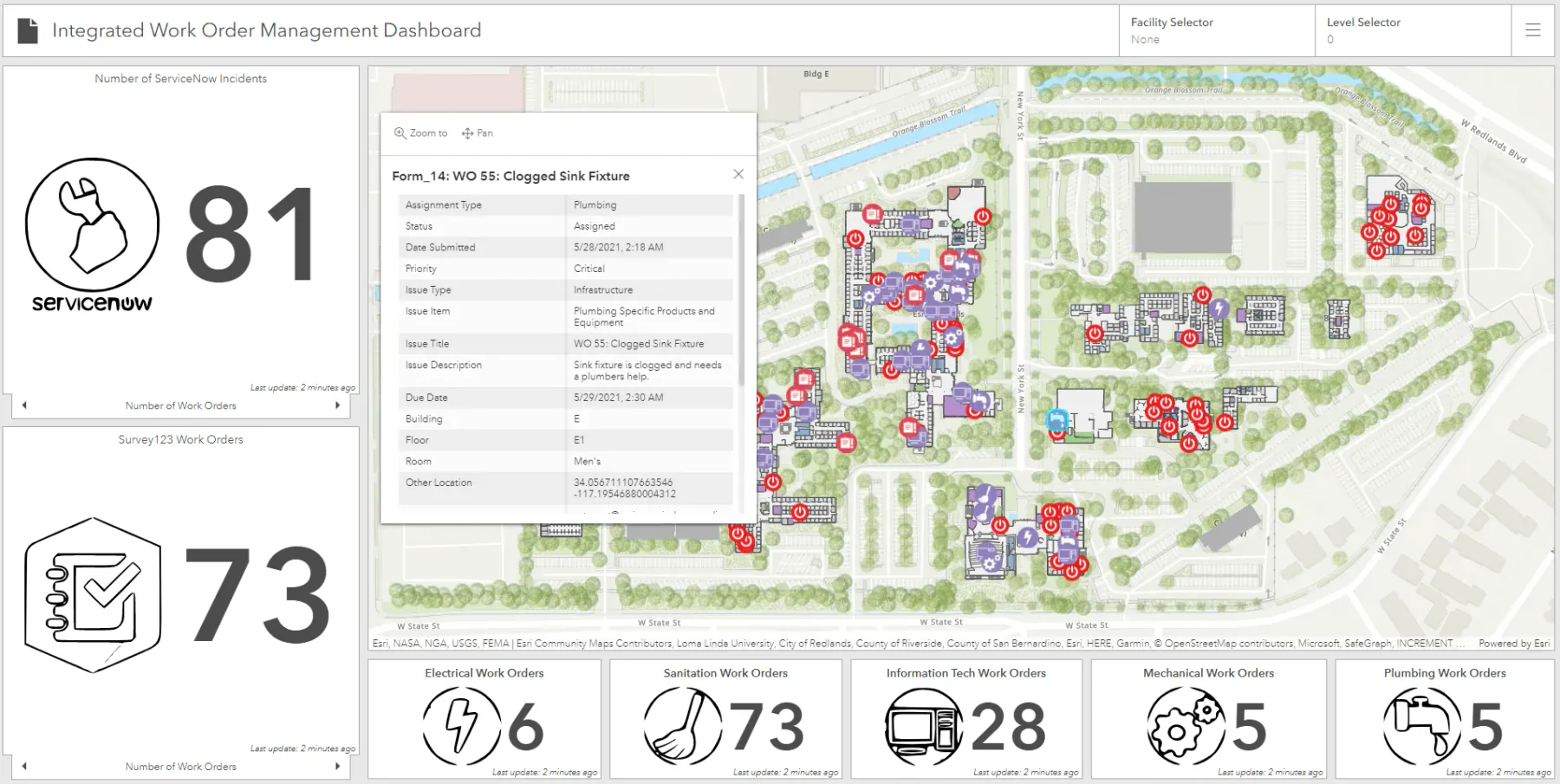
ArcGIS Enterprise by Esri works best when you manage large facilities or campuses and need mapping plus location based insights. You can visualize space usage and plan maintenance routes more efficiently.
Key features:
- Spatial analytics and mapping tools
- Facility planning optimization
|
Pros |
Cons |
|
|
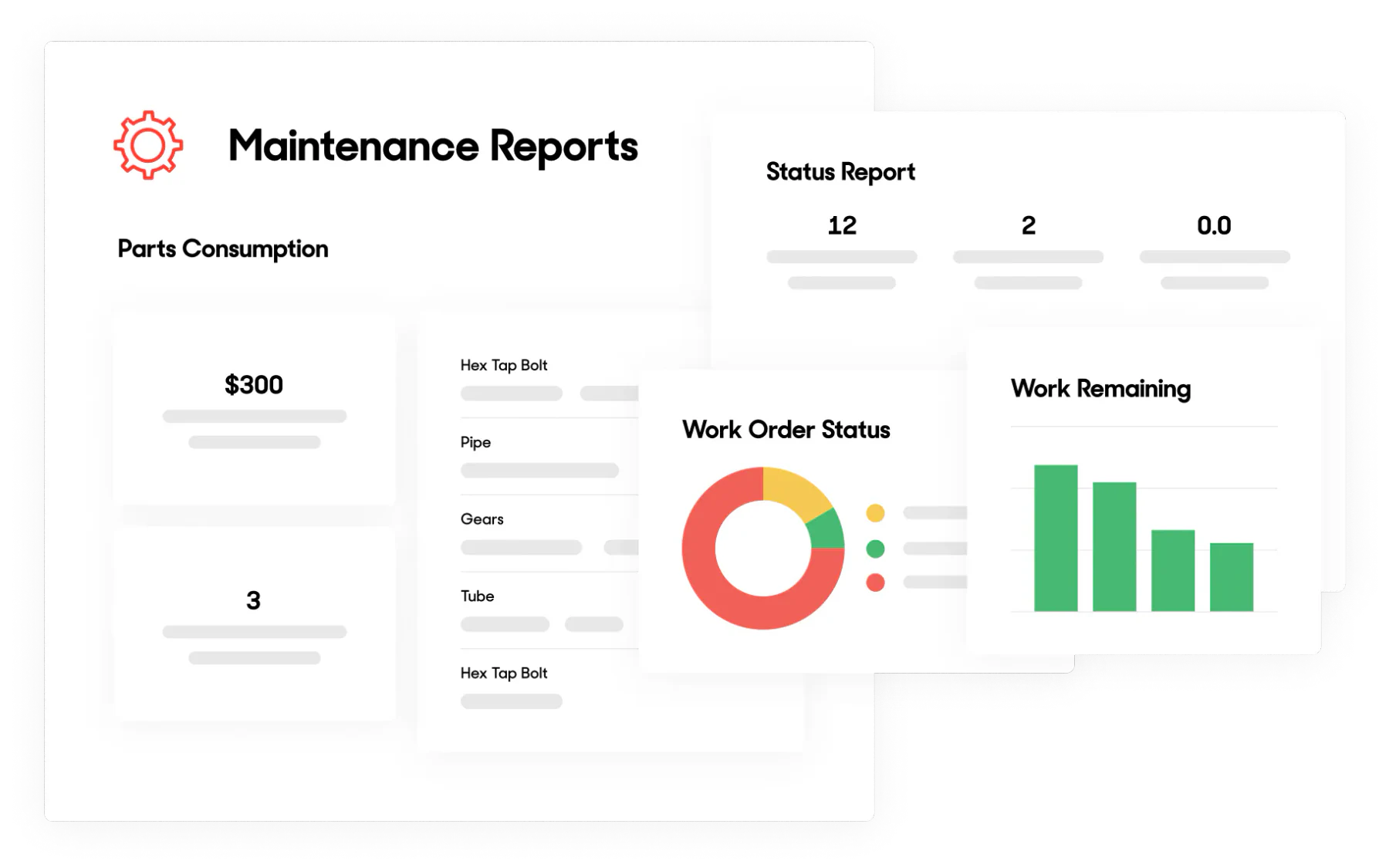
UpKeep is practical if your team relies on mobile work orders. You can assign tasks, track progress, and keep updates moving even when you are away from the site.
Key features:
- Work order management
- Preventive maintenance scheduling
|
Pros |
Cons |
|
|
5. Asset Panda
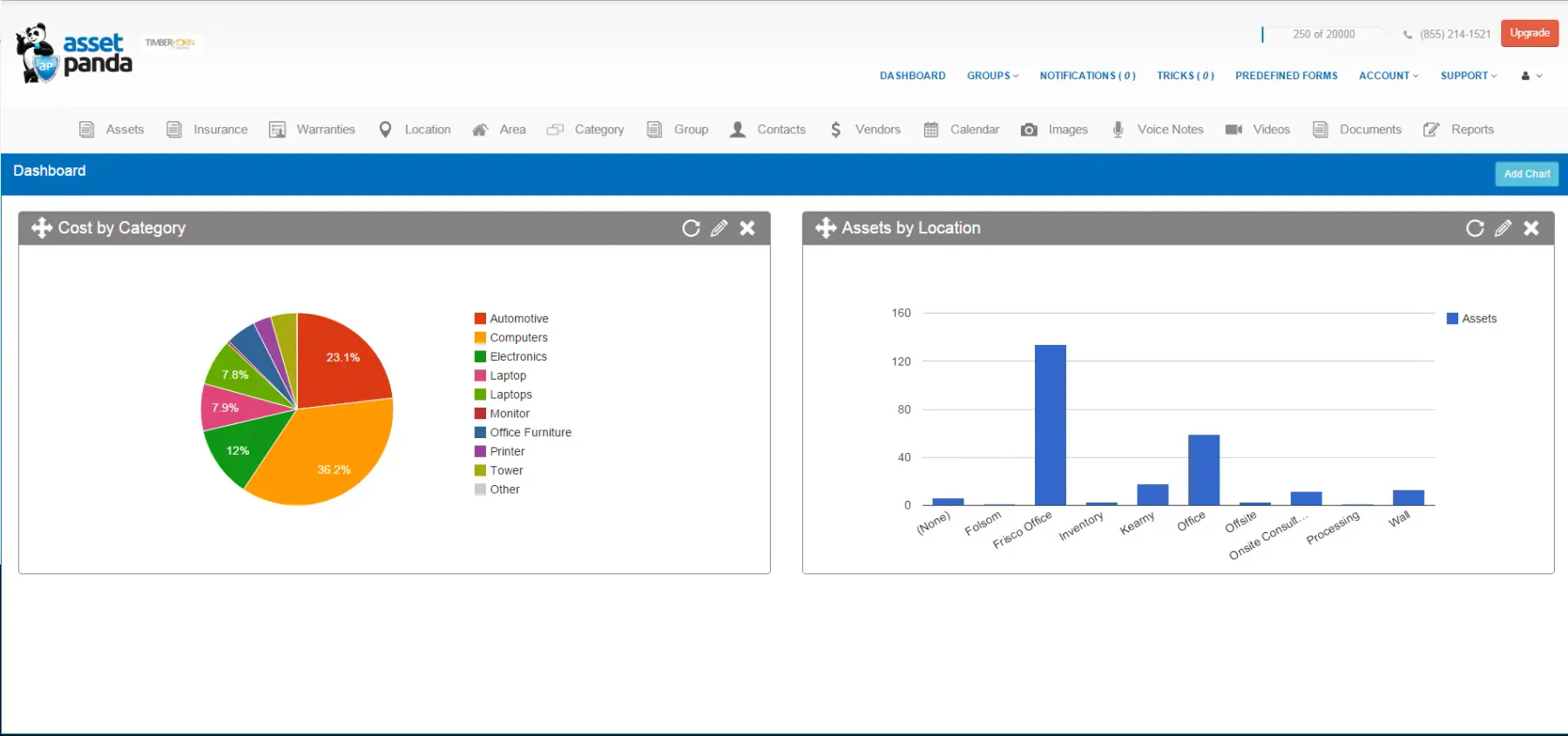
Asset Panda is cloud based, so you can track and manage assets from anywhere. This works well if you oversee multiple locations and want quick visibility without switching tools.
Key features:
- Cloud based asset tracking
- Barcode scanning for inventory
- Customizable reporting tools
|
Pros |
Cons |
|
|
6. Fiix Facility Management
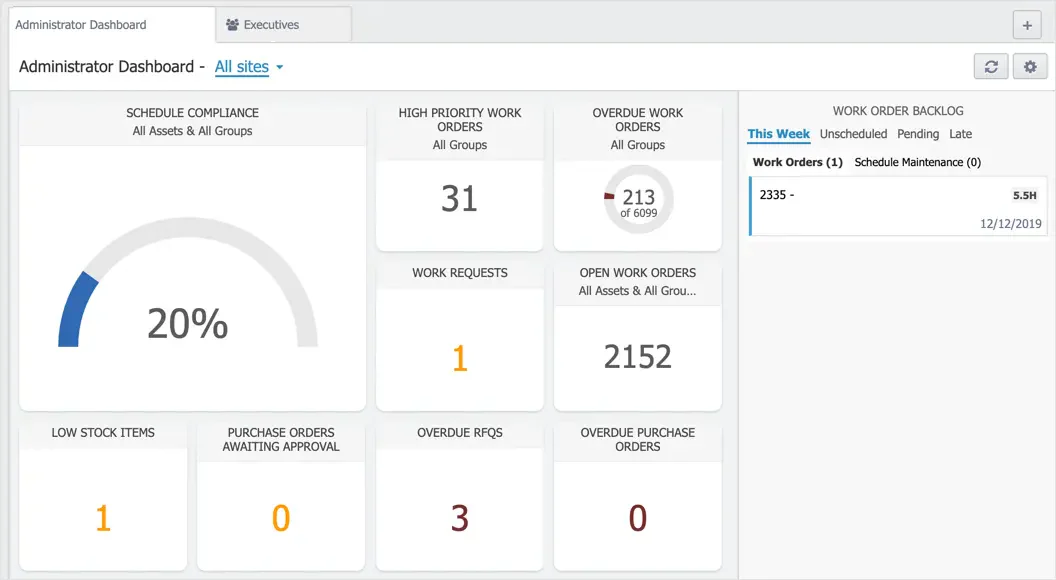
Fiix is a cloud based platform that helps you manage maintenance proactively. It uses AI driven insights to predict possible equipment issues, so you can act before downtime happens.
Key features:
- AI powered predictive maintenance
- Work order management
- Asset tracking and management
|
Pros |
Cons |
|
|
7. eSPACE Facility Management Software
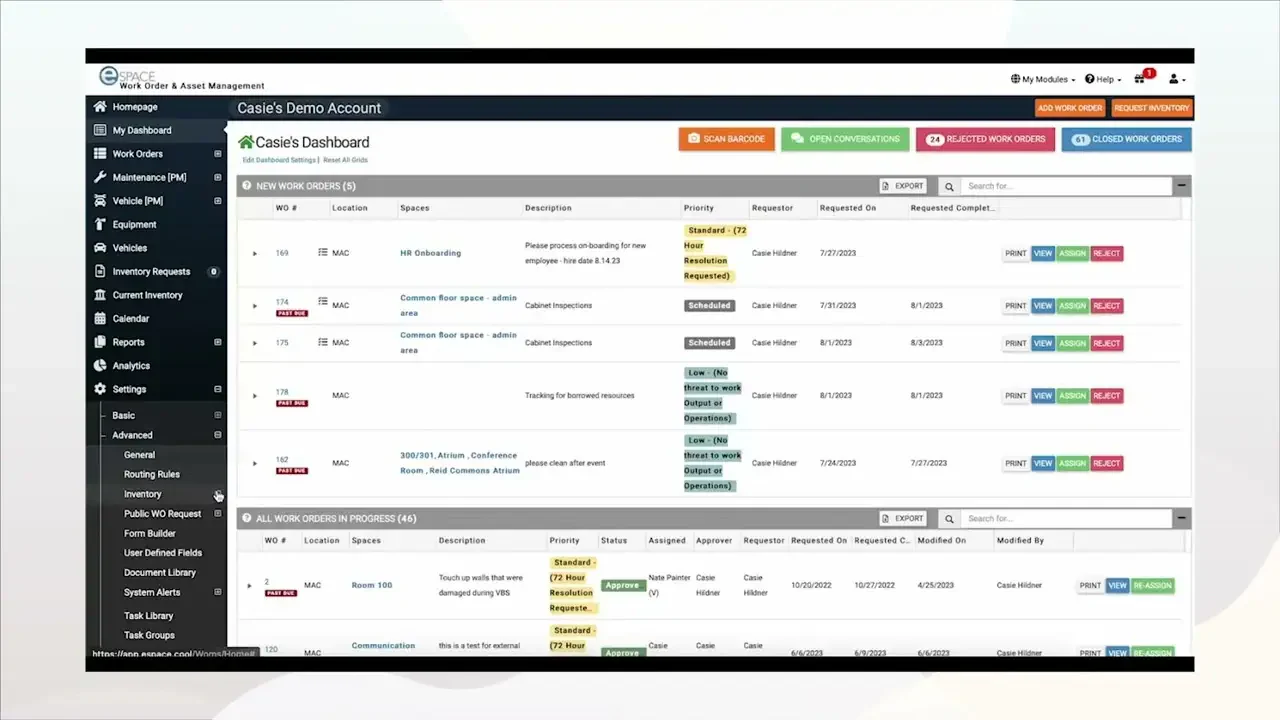
eSPACE works well if you need strong scheduling for spaces and resources. It is often used by organizations that coordinate frequent events and manage shared facilities.
Key features:
- Event scheduling and space management
- Work order management
- Preventive maintenance tracking
|
Pros |
Cons |
|
|
8. NETfacilities Cloud Based Facility Management Software
NETfacilities is a web based platform designed for organizations managing multiple sites. You can handle maintenance tasks, track work orders, and run property inspections in one place.
Key features:
- Web based platform for easy access
- Property and maintenance management
- Work order automation
|
Pros |
Cons |
|
|
9. MaintainX Facility Management Software
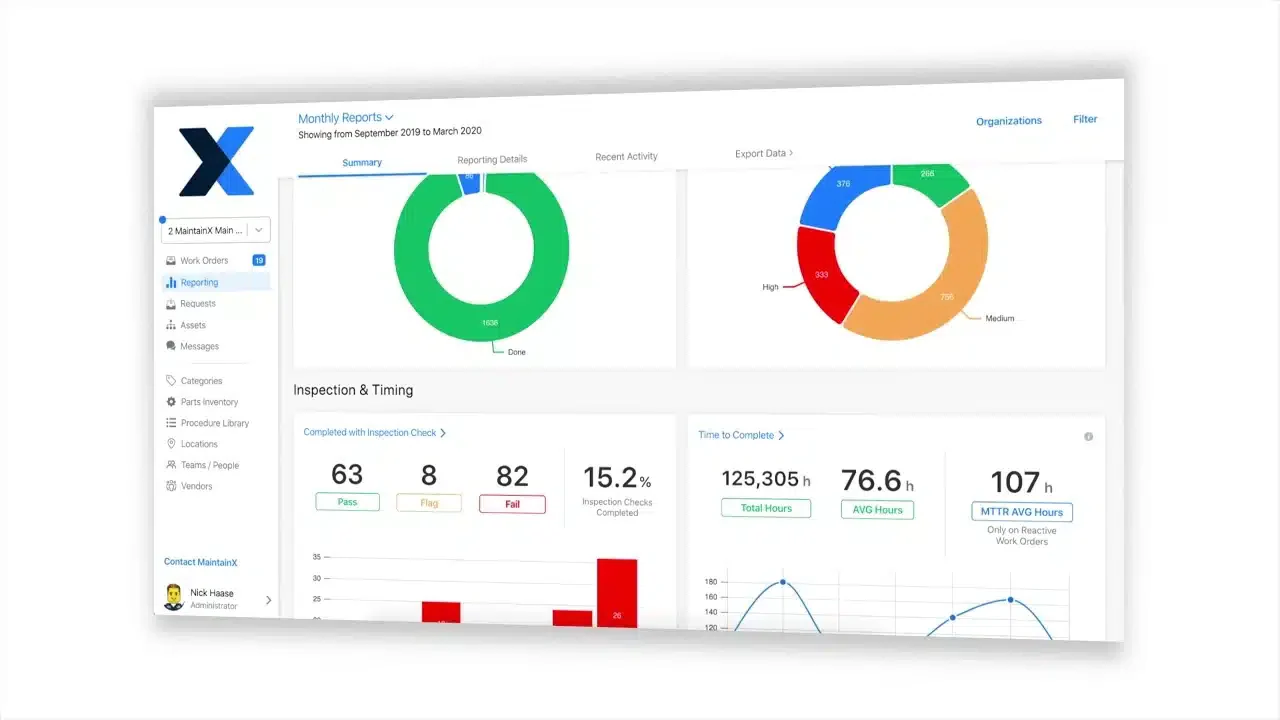
MaintainX offers a simple mobile friendly setup for daily operations like work orders, inspections, and asset management. It helps your team stay aligned because updates are visible in one place.
Key features:
- Mobile friendly work order management
- Real time updates and task tracking
- Preventive maintenance
|
Pros |
Cons |
|
|
10. FMX Facility Management System
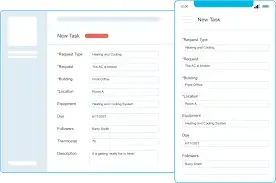
FMX focuses on simplicity and helps you handle maintenance, scheduling, and asset tracking without a steep learning curve. It often fits schools, agencies, and smaller businesses.
Key features:
- Maintenance management
- Work order tracking
- Event scheduling
|
Pros |
Cons |
|
|
Study case, multi tenant commercial building with nonstop requests
Imagine you manage a commercial tower where tenant requests come in all day. Today, you get three complaints that sound similar, meeting room air feels warm, lobby ventilation feels weak, and one office floor reports odd noise from the AHU room. At the same time, your vendor is on site for routine servicing, and management wants an update before end of day.
If you rely on chat threads and spreadsheets, this is where chaos starts. The same issue gets logged twice, the technician fixes the symptom but not the root cause, and you lose time hunting for last service history. If an inspection happens next week, you scramble to prove what you did and when.
What a good facility platform helps you do in this exact situation
- You log every request as a single work order flow, so duplicates stop spreading
- You assign tasks fast, set priority, and track SLA without chasing people manually
- You attach photos, readings, and notes on site, so evidence stays in one place
- You pull the asset service history instantly, so you can spot repeat failures
- You export maintenance logs and inspection records cleanly, so audit readiness feels realistic, not stressful
Comprehensive Comparison of Facility Management Software
| Provider | Connection Quality | Bank Coverage | Ease of Integration | Data Enrichment |
|---|---|---|---|---|
| Hashmicro | ||||
| SafetyCulture | ||||
| ArcGIS | ||||
| UpKeep | ||||
| Asset Panda | ||||
| Fiix | ||||
| eSPACE | ||||
| NETfacilities |
Key Features of Facility Management Software
Modern facility platforms offer a wide range of features designed to improve efficiency, streamline tasks, and reduce unnecessary costs. Below are the most essential features to look for.
- Maintenance management: You can plan preventive work, track repairs, and respond faster to reduce downtime and extend asset life.
- Asset management: You can monitor usage, location, and service history of physical assets, so you can plan repairs and replacements more accurately.
- Work order management: You can create, prioritize, and track tasks in one place, which improves accountability and speeds up resolution.
- Space management: You can optimize how space is allocated and used, which helps you plan layout changes and occupancy needs more effectively.
- Vendor management: You can track vendor performance, manage contracts, and keep service levels consistent across sites.
- Energy management: You can monitor energy usage patterns and identify opportunities to reduce utility costs and support sustainability goals.
- Compliance tracking: You can store inspection records and maintenance logs in a structured way, which supports audit readiness for safety and facility governance in Malaysia.
How to Choose the Best Facility Management Software
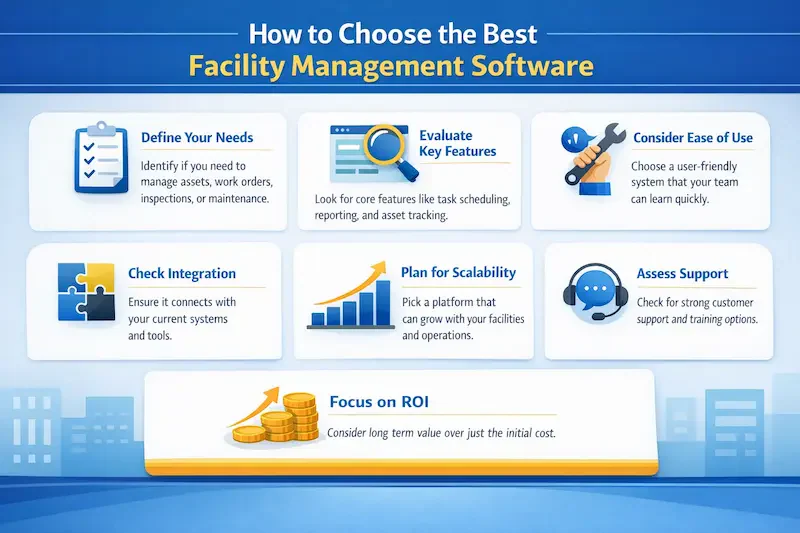
Choosing the right facility management software helps you improve efficiency and get more value from your resources. Here are practical steps you can follow.
Know your goals: Figure out what you need most, such as tracking assets, managing work orders, inspections, or planning maintenance routines.
Review features: Look for essentials like task tracking, preventive scheduling, reporting, and asset history that match your daily workflow.
Check ease of use: Make sure the system feels simple for technicians and supervisors, because adoption decides whether the data stays reliable.
Look for integration: Check whether the platform connects with your existing tools, so you do not create new silos.
Think about growth: Choose software that can scale when you add new sites, assets, or teams.
Evaluate support: Good customer service, onboarding, and training resources help your rollout go smoother.
Measure value: Focus on long term return on investment, not only the upfront cost, because downtime and manual admin work often cost more than the subscription.
Conclusion
If you manage facilities in Malaysia, your biggest challenge usually is not a single repair. You deal with repeat requests, tight schedules, vendor coordination, and the pressure to keep records ready when inspections come up. That is why a facility management platform can make a real difference when you choose it based on your workflow, not only feature lists.
Start with what you want to fix first. If your main issue is nonstop tenant requests, prioritize work order control and SLA tracking. If downtime hurts the most, focus on preventive scheduling, asset history, and maintenance planning. If audits stress you out, pick a tool that keeps inspection records and maintenance logs clean and easy to pull. When you match the system to your day to day reality, you reduce firefighting and build a calmer, more predictable operation.
If you want a clearer picture of how it would handle your real day to day workload, start with the free demo and run one of your most common scenarios, such as recurring HVAC complaints, preventive schedules, and vendor follow ups, then see how smoothly the workflow holds up.

FAQ Facility Management Software
What is CMMS in facility management?
A computerized maintenance management system (CMMS) is software that centralizes maintenance information and facilitates the processes of maintenance operations.
What is ppm in facilities management?
Planned preventative maintenance (PPM) is a proactive maintenance strategy that prevents unexpected equipment and machinery failures through regular scheduled inspections, services, and repairs. Which is why it is also referred to as scheduled maintenance.
What is another name for facilities management?
Alternative titles for this job include Estates manager, support services manager, contracts manager. Facilities managers oversee the operation, maintenance and security of buildings and workplaces.
Can facility management software integrate with other systems?
Yes. Modern solutions like HashMicro integrate seamlessly with ERP, HR, and accounting systems — enabling unified data management across departments and improving collaboration.