













A point-of-sale (POS) system integrates hardware and software to manage sales, inventory, customers, and staff in one connected platform. Instead of relying on manual logs or scattered spreadsheets, businesses can record transactions automatically.
BSP data shows digital payments reached 52.8% of total retail transactions by volume in 2023 (up from 42.1% in 2022) and 55.3% by value. As more transactions happen digitally, businesses need systems that can keep up without causing delays.
Without an integrated POS, stock discrepancies and reporting errors become more common. A modern system helps reduce mistakes, speed up checkouts, and maintain accurate control as the business grows.
Key Takeaways
A Point of Sale system simplifies transactions, keeps inventory accurate, reduces errors, and supports better decisions through real-time reports.
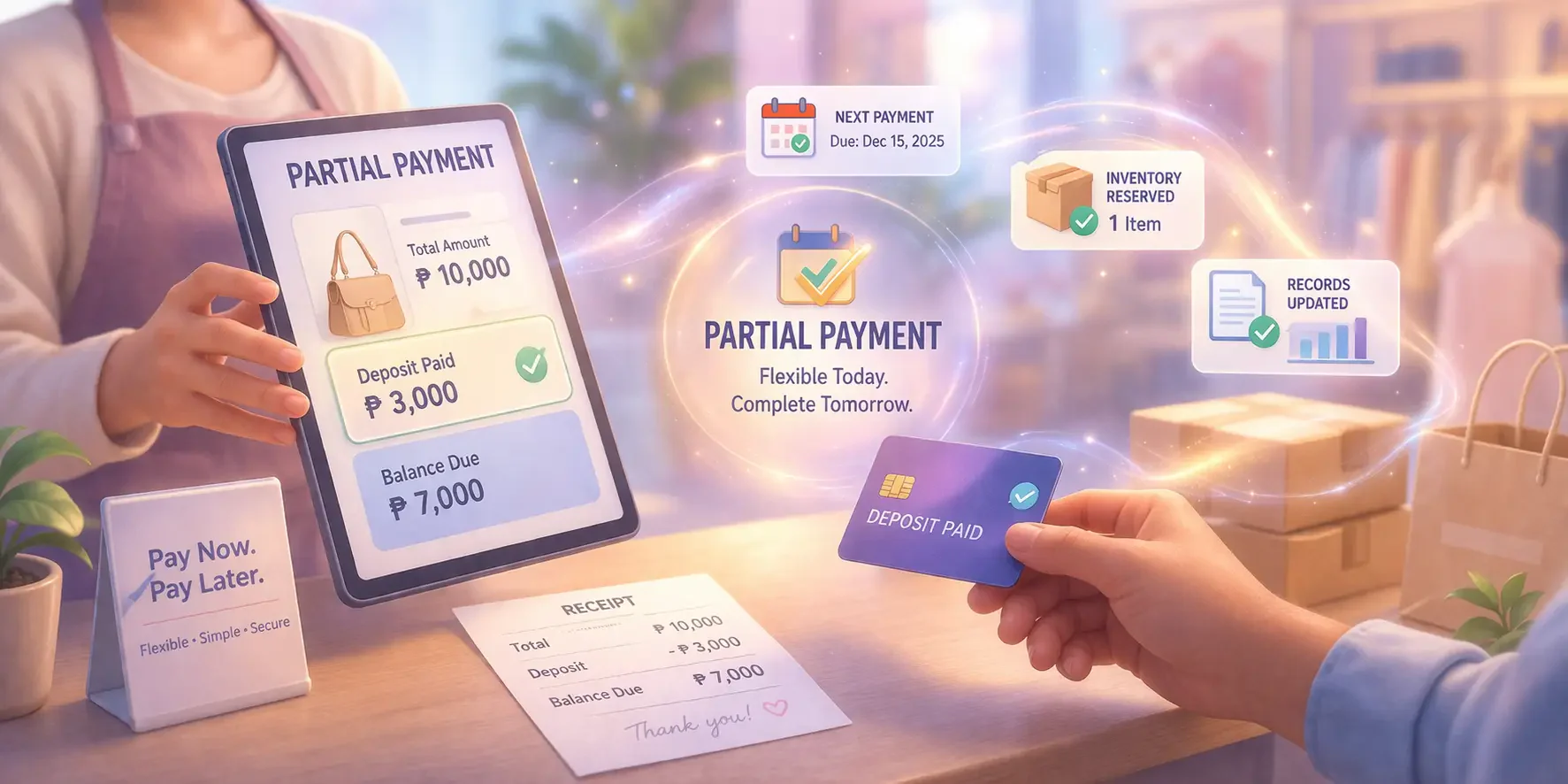
A modern POS system should handle flexible payments, track inventory, manage customers, and generate sales reports, helping businesses run more efficiently.
POS Management Software integrates sales reporting, inventory tracking, CRM, and employee management into a single platform.
Conclusion
The importance of using a POS system cannot be overstated. A POS Philippines system streamlines sales transactions, manages inventory in real time, and enhances customer experiences, ultimately driving higher efficiency and profitability.
A modern POS solution goes beyond processing payments. It integrates sales reporting, inventory tracking, CRM, and employee management into a single platform, allowing businesses to operate more strategically.
Investing in the right POS system is a strategic step toward sustainable growth. If you’re ready to elevate customer satisfaction, consider scheduling a free consultation to explore the best solution for your business needs.
FAQ on Point of Sale
What is an example of a POS transaction?
A common POS transaction is when a customer purchases items at a grocery store, the cashier scans the barcodes, the POS calculates the total cost, and the customer pays via cash, card, or mobile payment. The system logs the sale and updates inventory.
What is a POS terminal machine, and how do they work?
A POS terminal is a device used by businesses to process payments, accepting methods like credit/debit cards, mobile wallets, and contactless payments. It connects to a payment processor to verify and authorize transactions, ensuring quick and secure customer payments.
What is an example of POS?
An example of a POS system is a retail store terminal that scans barcodes, calculates total costs, accepts payments via cash or card, and prints receipts. Online checkout systems for e-commerce businesses are also examples of POS.
How do businesses prevent fraud at POS?
Businesses often require customer verification to help prevent fraud. In-store debit card transactions typically ask customers to enter a PIN, while online or phone orders usually require the CVV code on the back of the payment card.
How to use POS as a cashier?
1. Log in & open shift: Sign in, confirm your branch/terminal, then “Open Shift” (starting cash float if needed).
2. Add items to cart: Scan barcodes or search items, then adjust quantity/variants (size/color) if applicable.
3. Apply promos/discounts: Add store promos, coupons, or manual discounts (with approval if required).
4. Attach customer details (optional): Select a customer for loyalty points, returns tracking, or e-receipts.
5. Collect payment: Choose payment type (cash/card/QR/e-wallet), enter amount, confirm change or split payments.
6. Issue receipt: Print or send e-receipt, then confirm the sale is completed.
7. Handle common actions: Returns/exchanges, voids, refunds, and “parked” transactions should follow your store’s approval rules.
8. Close shift & reconcile: Run end-of-day reports, count cash, and reconcile sales vs. cash drawer totals.
What are the 4 types of POS systems?
1. On-premise POS: Installed on local computers/servers in-store; works even with limited internet but needs local maintenance.
2. Cloud-based POS: Runs online with data stored in the cloud; easier multi-branch reporting and remote access.
3. Mobile POS (mPOS): Uses tablets/phones with a card reader; ideal for pop-ups, kiosks, or queue-busting.
4. Self-service POS (kiosk/self-checkout): Customers place and pay for orders themselves; reduces cashier load and speeds checkout.